
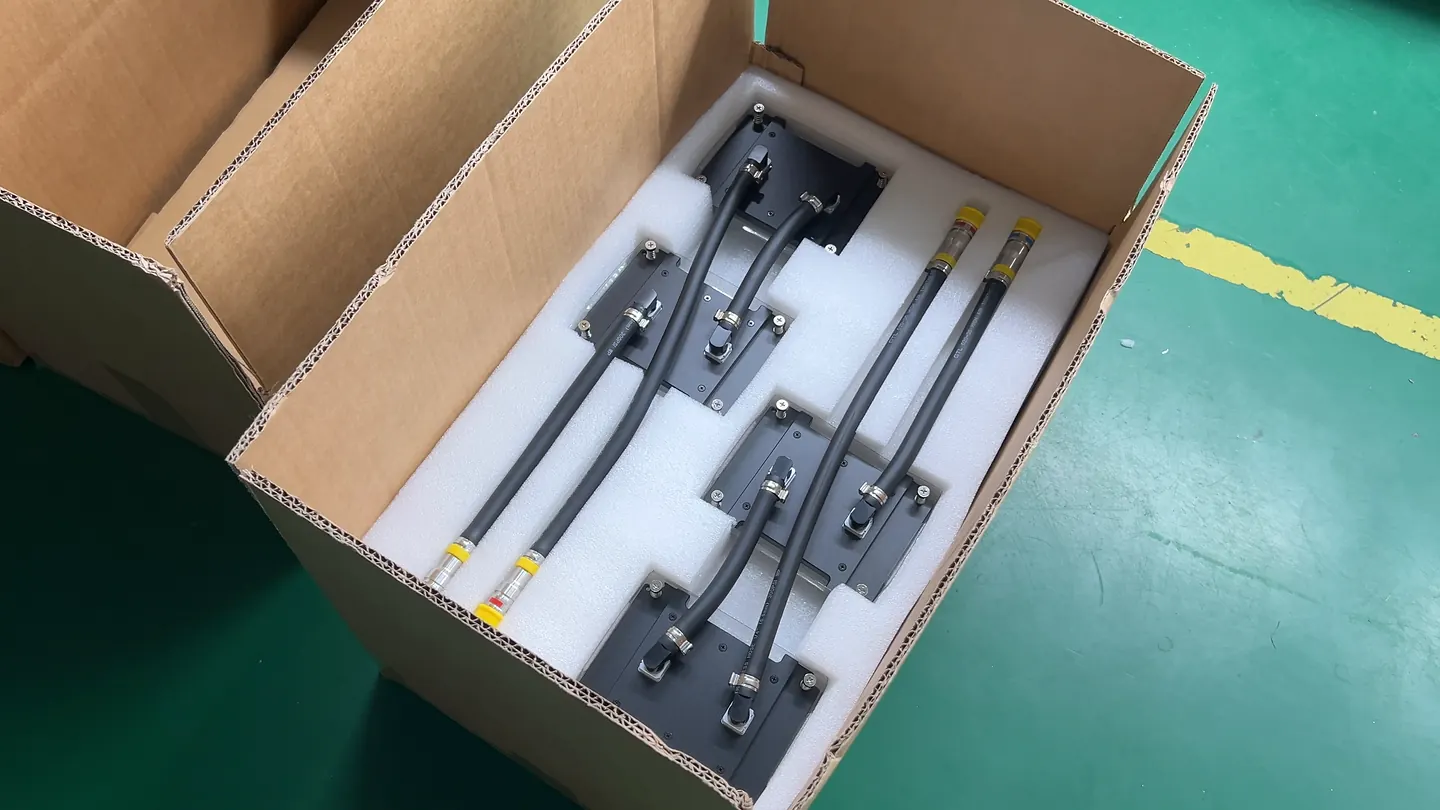
Define the condition
Record workload, ambient, distance, microphone position, pump/fan state and acceptance rule.
A workstation cooling module must fit the board and chassis while meeting sustained workload, noise and service requirements. This guide covers module integration when your team supplies and assembles the rest of the workstation.
View Workstation Modules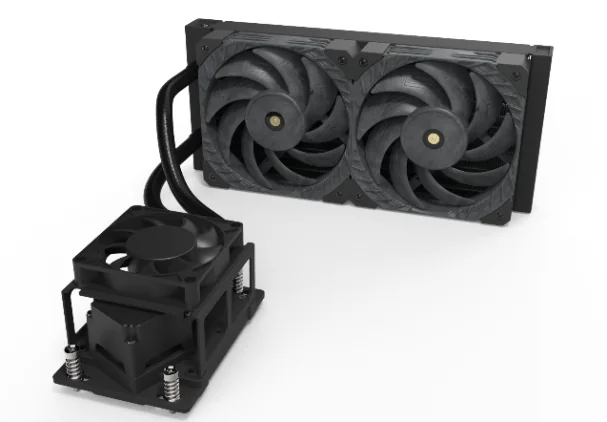
Choose a module for installation into a workstation your team already designs. Choose an integrated system project when you need the chassis, cooling layout and agreed hardware configuration developed together.
| Decision | Workstation module | Integrated workstation system |
|---|---|---|
| Customer retains | Chassis, hardware, complete controls and final system validation | Agreed customer hardware and application requirements |
| ThermalBro scope | Defined cooling module and interfaces | Agreed complete liquid-cooling configuration |
| Choose when | Your team owns system architecture and integration | The project needs coordinated loop, controls and system acceptance |
Define the CPU and GPU workloads that run at the same time, then check radiator space, chassis airflow and allowed temperatures. A single TDP rating cannot describe all of these conditions.

Low noise is a system target. Pump and fan control, vibration, thermal load, chassis structure and service layout must be evaluated in the same configuration.
Record workload, ambient, distance, microphone position, pump/fan state and acceptance rule.
Check bend space, support, abrasion, connector access, leak-impact zones and airflow interaction.
Keep memory, storage and GPU replacement possible; document fill, drain and reassembly responsibility.
After the module passes its agreed checks, test it in the complete workstation with the intended hardware, applications, airflow and fan or pump controls.
| Level | Questions | Evidence owner |
|---|---|---|
| Module | Fit, mounting, sealing, flow function and agreed thermal evidence | ThermalBro within scope |
| Workstation | Application temperature, acoustics, controls, airflow and service | Customer/system owner with agreed support |
| Lifecycle | Transport, maintenance, upgrade and configuration change | Defined per project |
Use one platform, workload, chassis and acceptance baseline to make supplier proposals easier to compare.
It may be possible when the exact hardware, workloads, contact targets, chassis space, flow distribution, heat rejection and controls are designed and validated as one configuration. The number of devices alone is not enough to confirm feasibility.
State the workload and duration, ambient noise and temperature, measurement position and distance, chassis configuration, fan and pump control state, and the acceptance rule. A standalone dBA value without these conditions is not comparable.
Provide the controlled 3D assembly and 2D interface drawings, motherboard and GPU locations, keep-out zones, radiator and airflow spaces, tube routes, mounting features and service-access sequence.
Consider an integrated system when the supplier must coordinate the complete loop, pump, radiator, fans, controls, chassis interfaces and configuration-level acceptance rather than deliver a module into an architecture retained by the customer.
Product examples: ThermalBro workstation cooling modules. Acoustic, thermal and compatibility results depend on the tested configuration.
Send the hardware list, workload, chassis files and noise target. We will review the module configuration and the information needed next.
